
How to Use AI for Interior Design: A 2026 Guide
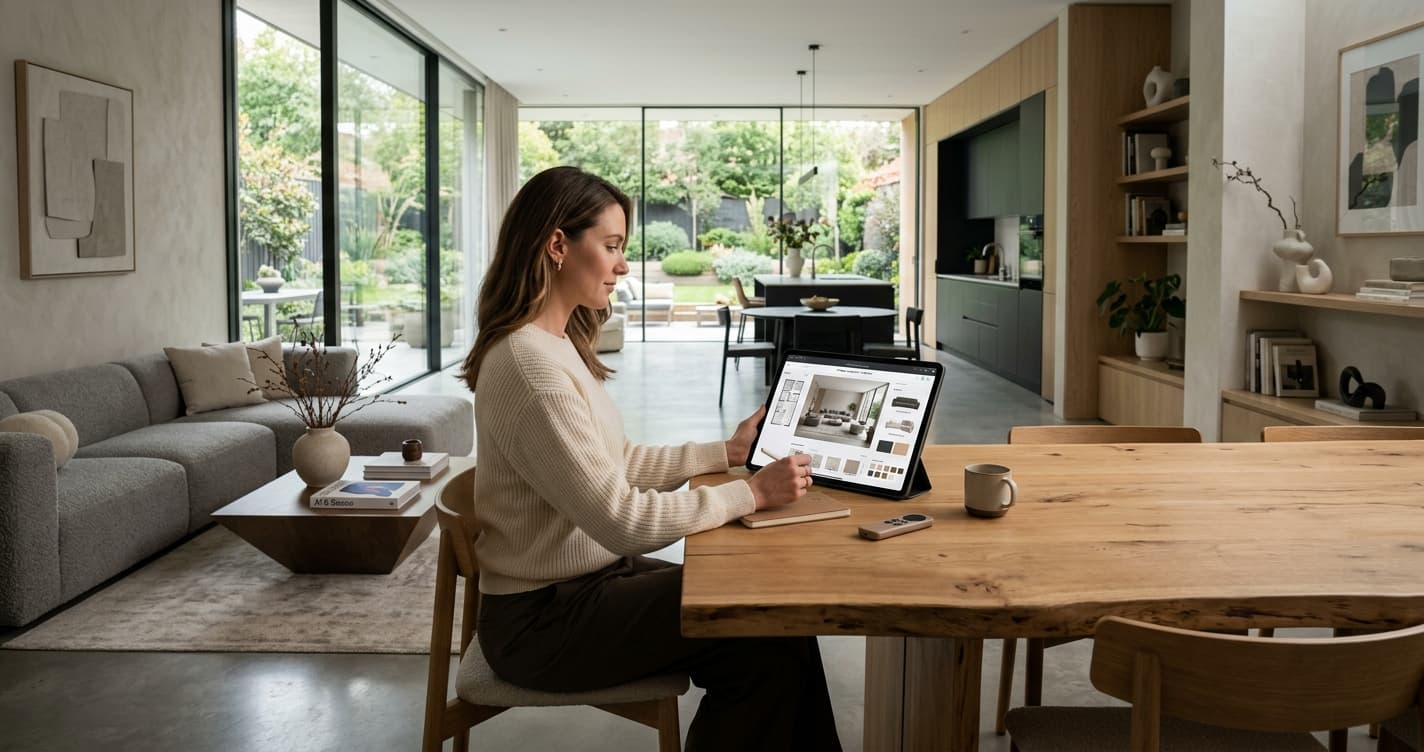
Ready to rethink your space? Using AI to visualize home design changes is a practical way to avoid costly mistakes before you pick up a paintbrush.
Introduction
Design paralysis is a common ailment for homeowners. You know you want a change, but picking between eggshell and cream or deciding if a velvet sofa fits the room is rarely straightforward. That is where artificial intelligence enters the picture. Learning how to use AI for interior design allows you to test concepts without moving a single piece of furniture.
By generating realistic previews of your space, you can see how light, color, and scale interact in real time. It is a practical, low-stakes way to build confidence before committing to a budget. When you use tools like Rendera, you aren't just guessing; you are validating your vision against the actual geometry of your home by understanding how to use AI for interior design effectively.
What You'll Need
A smartphone or tablet with a high-resolution camera.
Clean, decluttered photos of the room you plan to update.
A clear idea of your preferred design style (e.g., Scandinavian, industrial, or mid-century modern).
A reliable internet connection for processing high-quality renders.
1. Capture High-Quality Base Photos
Your AI results are only as good as the images you provide. AI struggles to interpret cluttered surfaces or poorly lit corners. If your room is full of laundry or toys, clear it out first.
Stand in the corner of the room or directly in the center for the best perspective. Ensure the lighting is balanced—natural daylight is always superior to artificial overhead bulbs. According to the a2z-architects, proper spatial awareness is the foundation of any successful renovation. By capturing a wide, straight-on shot, you give the AI the best possible canvas to work with.
Pro Tip: Take photos at eye level. If you shoot from too high or too low, the AI may warp the perspective of your furniture, making it look like it's floating or sinking into the floor.
2. Choose Your Design Parameters
Once you upload your image to Rendera, you need to input specific design constraints. AI works best when given clear, descriptive prompts. Instead of saying "make it modern," specify the elements you want to see.
Think about the color palette, the texture of the materials, and the style of the lighting fixtures. Are you looking for a minimalist aesthetic with clean lines, or something more layered and traditional? Research from the Houzz 2025 Home Design Trends Report suggests that homeowners are increasingly moving toward warm, organic textures over stark white minimalism.
Pro Tip: Keep a mood board of 3-5 images on your phone while you work. Use these as a reference to ensure your AI prompts remain consistent throughout the process.
3. Iterate and Refine Your Vision
The first result rarely hits the mark perfectly. That is expected. Use the generative features to swap out specific elements. If the wall color feels too dark, adjust the lighting settings or ask the AI to try a lighter shade from the same color family.
This iterative process is where you save the most money. Real-world samples from brands like Sherwin-Williams or Benjamin Moore are helpful, but they don't show you how a color looks under your specific lighting conditions. AI bridges that gap by simulating different times of day or light intensity.
Pro Tip: Focus on one major change at a time. Change the wall color first, then add the new furniture, then address the lighting. Trying to change everything at once can lead to disjointed, confusing results.
4. Evaluate Spatial Relationships
One of the most useful features of modern AI design tools is the ability to check scale. Does that oversized sectional make the room feel cramped? Does the rug look too small for the seating area?
According to the Architectural Digest design guide standards, scale is the most common factor that makes a DIY room feel "off." Use your AI render to measure the visual weight of items. If the room feels heavy, look for furniture with legs that show the floor beneath it.
Pro Tip: Use a real tape measure on your actual floor to verify the "footprint" of the furniture you see in the AI render. If the render shows a 10-foot sofa, make sure that length actually fits in your room.
Common Mistakes to Avoid
Don't fall for the trap of relying solely on AI. It is a visualization tool, not a structural engineer. Never assume that an AI-generated wall removal is safe or possible without consulting a professional contractor.
Another common mistake is ignoring the "lived-in" reality. A perfectly curated AI room might look great, but if it doesn't account for your storage needs or daily habits, it will fail in practice. Be realistic about your life. If you have pets or children, that white velvet chair might not be the most reliable choice, no matter how good it looks on the screen.
Finally, avoid over-processing your images. If you apply too many filters or adjustments, the image will lose its photorealism and stop being a useful guide for your renovation. Keep the results grounded in what is actually possible to buy and install.
FAQ
Can AI design my entire home from scratch?
AI is best used as an assistant. It can generate ideas and visualize changes, but it lacks the human experience of how a space feels to live in. Use it to build a plan, then refine it with your own personal taste.
Is AI design software expensive?
Most tools, including those used for basic visualization, have tiered pricing. Many offer free trials or affordable subscription models that are significantly cheaper than hiring a professional interior designer for an initial consultation.
What is the biggest benefit of using AI for interiors?
The biggest benefit is time and cost reduction. By seeing a visual representation of your choices before you buy, you drastically lower the risk of purchasing items that don't fit or colors that clash.
Conclusion
Learning how to use AI for interior design is a practical shift in how we approach home improvement. By relying on data-driven visualization, you can move away from guesswork and toward a more reliable, refined process. Whether you are updating a single bedroom or planning a full renovation, these tools offer a solid starting point. Just remember to keep your goals realistic, verify your measurements, and trust your personal style when making the final call. Mastering how to use AI for interior design ensures your project stays on track and within budget.
The Rendera Team
We're designers, developers, and home improvement enthusiasts building AI tools to help you visualize your dream space.
Learn more about RenderaSee What Your Space Could Look Like
Upload a photo and get AI-powered design ideas in seconds. Free to try.
Try Rendera FreeRelated Articles
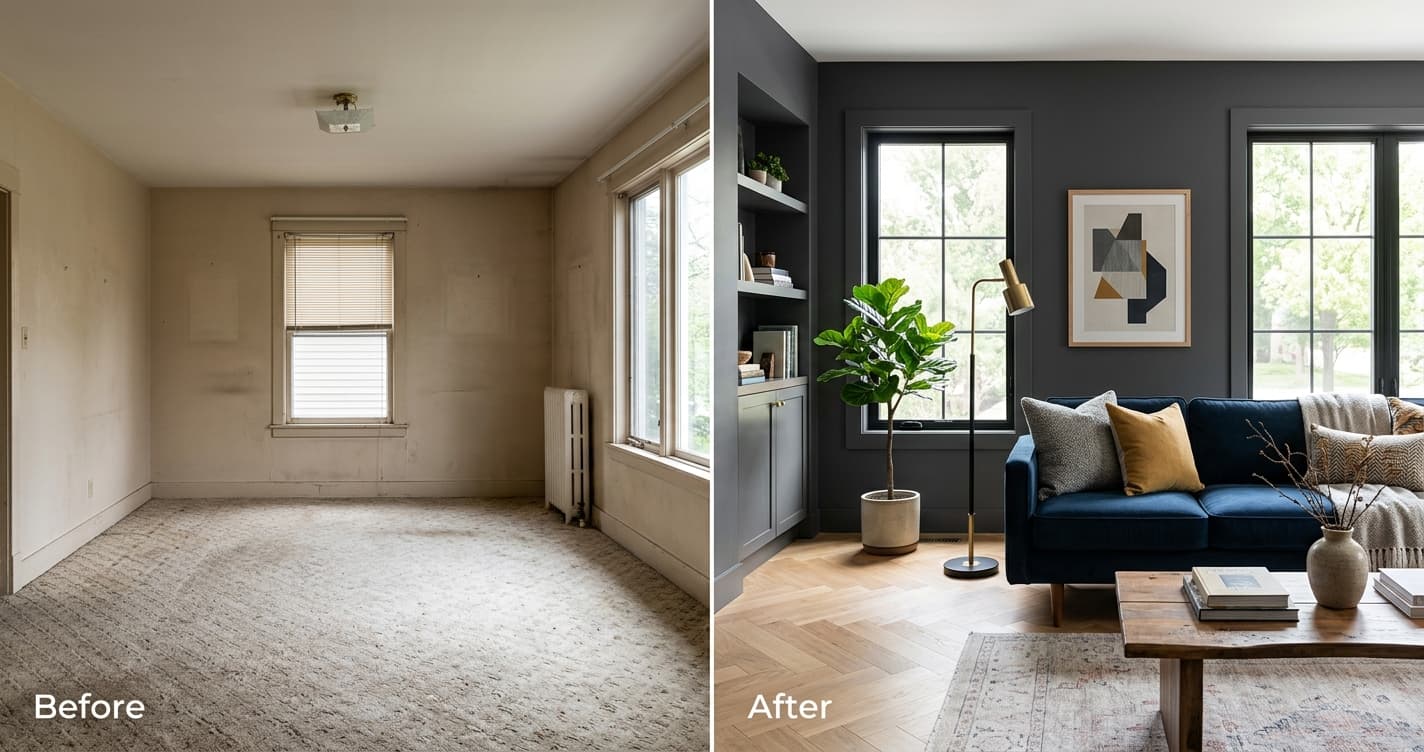
What Is the Best Free AI Interior Design Tool? 2026 Guide
We analyze current AI-driven design platforms to determine which free tools offer the most utility for homeowners planning a home update.
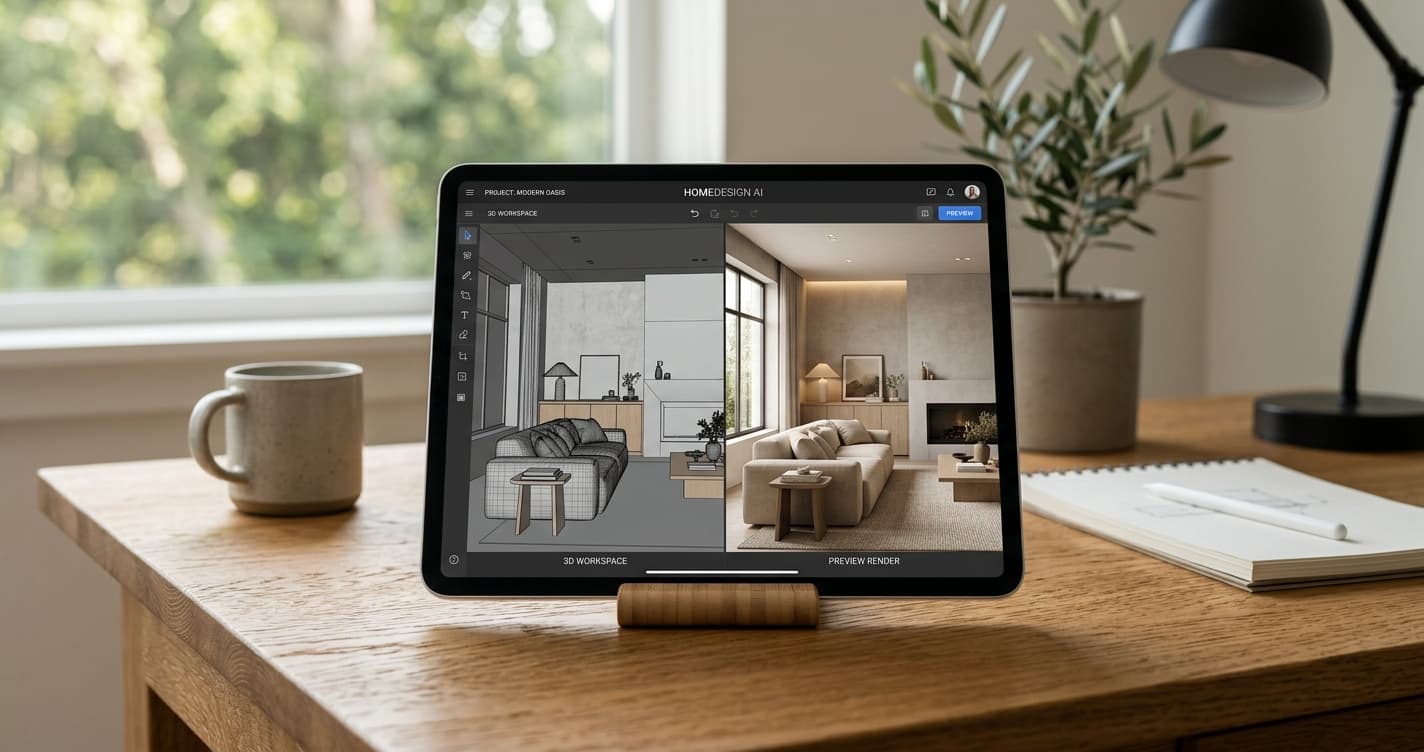
What is the Best Free AI Interior Design Tool? 2026 Guide
Selecting the right AI interior design software requires balancing features with ease of use. We break down the current market for free and accessible design tools.
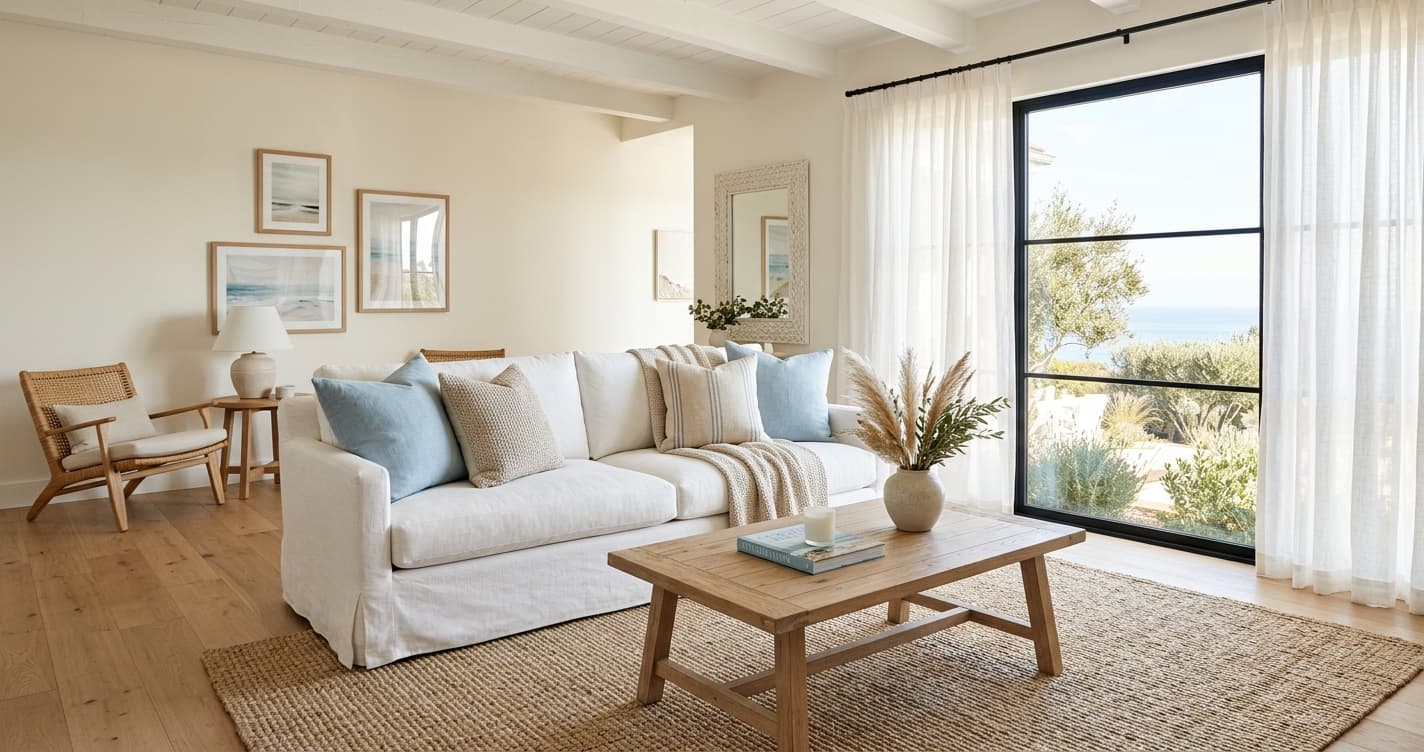
Coastal Interior Design Guide: A Fresh Take for 2026
Forget seashells and anchors. Modern coastal interior design is about light, texture, and a relaxed feel. We'll show you how to get the look right, from color palettes to furniture choices.